
Knowledge
21st.dev and shadcn/ui: building blocks you own
With shadcn/ui and 21st.dev you put ready-made parts into your own code, and then change them. That way you build fast, without being tied to a library.
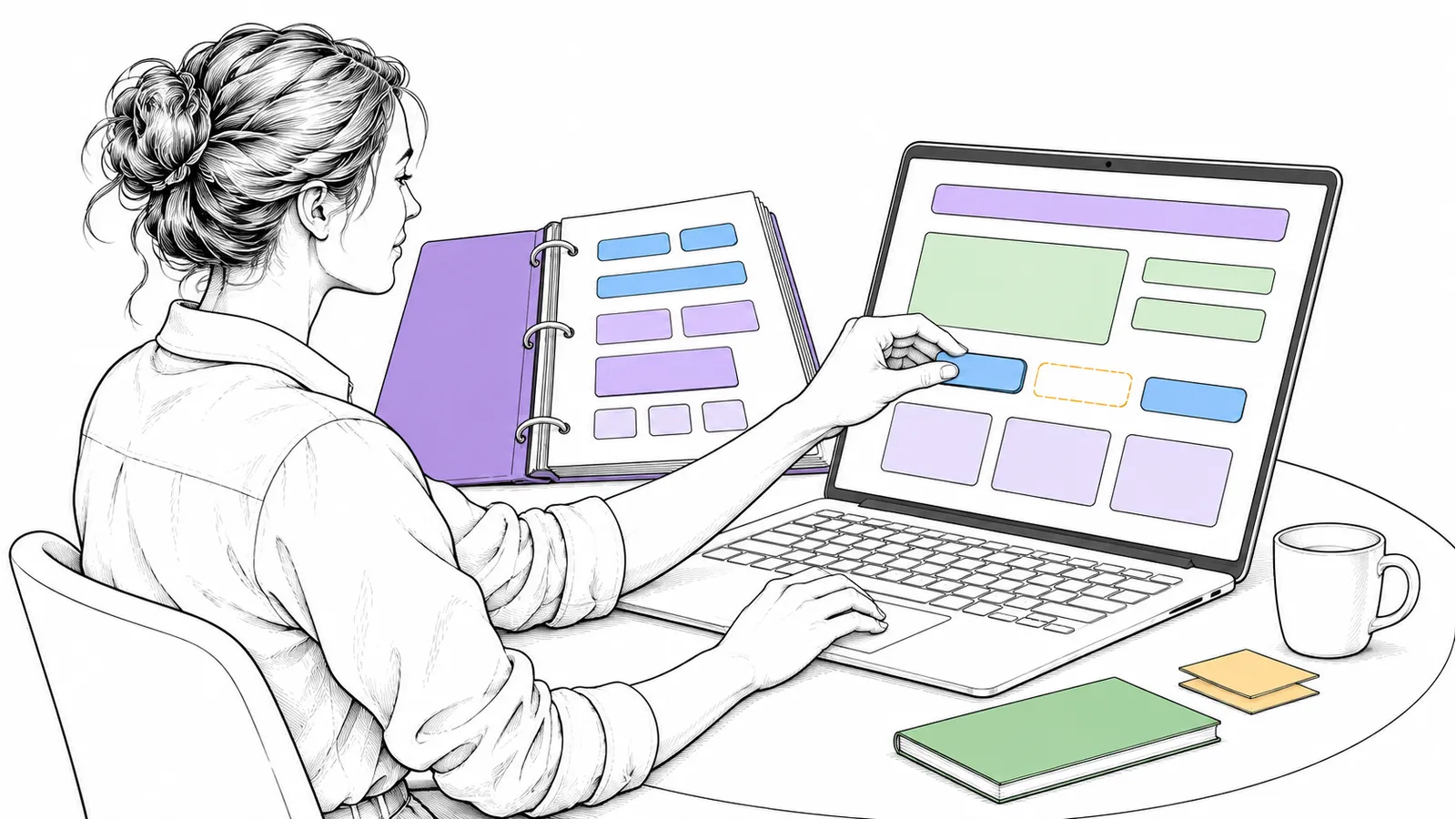
Building a site with AI is fast. But a model that invents everything itself often makes the same buttons and the same cards. With good building blocks, you start higher, and you keep the code in your own hands.
Plain technical English shadcn/ui is a set of React components that you put into your own project as source code, not as a package. 21st.dev is a collection of more than 12,000 components in the same registry format. An agent can search and add them through the 21st MCP server.
Why it matters
With a normal component library, you install a package. If you want something the library does not offer, you work around it. shadcn/ui says it itself: “This is not a component library. It is how you build your component library.” You get the code itself, and you change it. That also works well with AI: the model can read and improve the code.
How it works
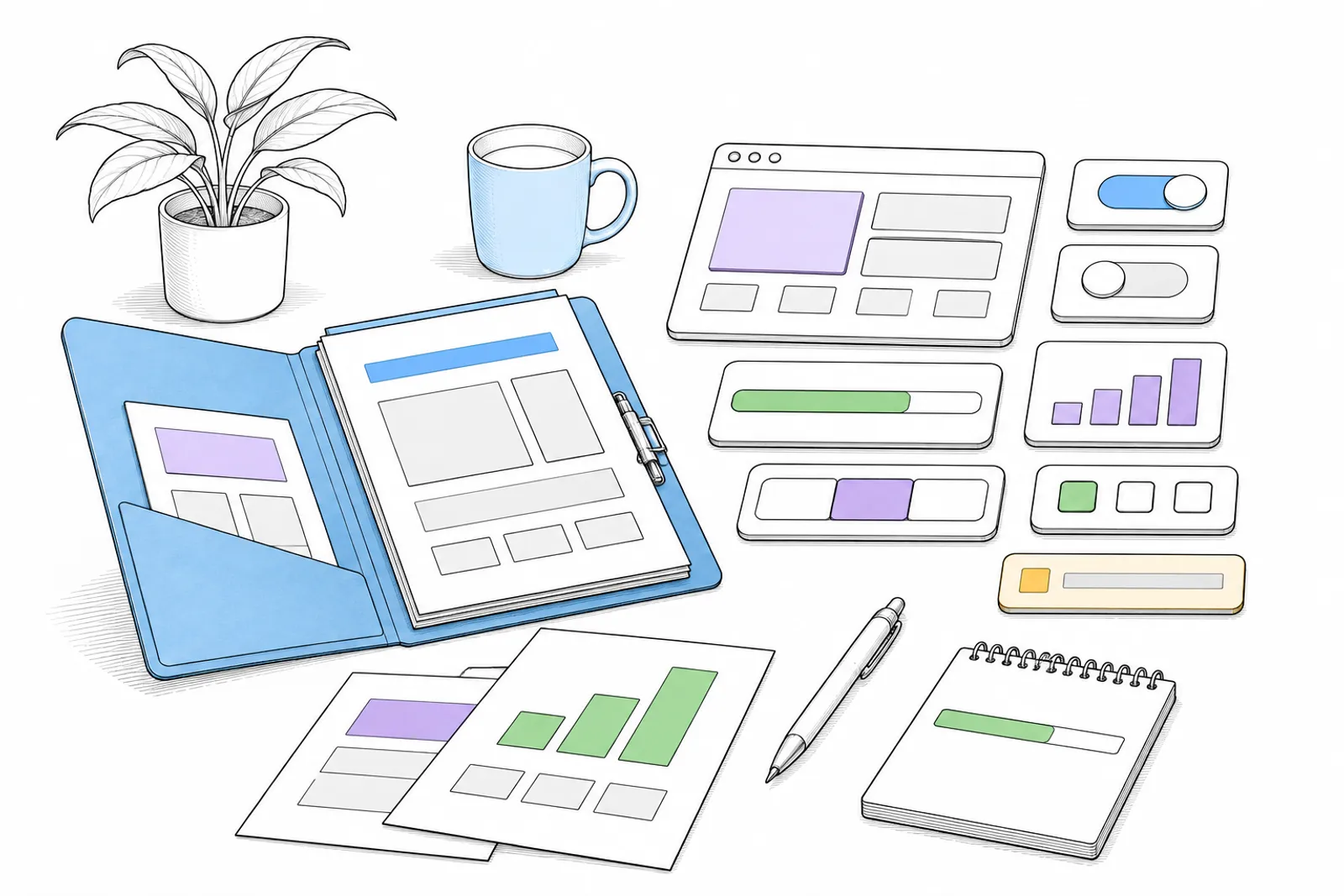
You choose a component, the agent puts the code in your project, and you adapt it to your own style.
- shadcn/ui (MIT) names five principles: Open Code, Composition, Distribution, Beautiful Defaults and AI-Ready. A command-line tool and a fixed file format (the registry) put components into your project.
- 21st.dev says: “Just copy-paste real designs.” Next to components, there are templates, themes, shaders and icons. The components are React and TypeScript with Tailwind CSS, in the shadcn registry format. You install the MCP server with
npx @21st-dev/cli@latest init. There is a free start and paid plans; the prices are on their site.
What you do
- First search what already exists, before you let an agent invent a component.
- Put the code into your project and read it. It is your code now.
- Adapt it to your own style: your fonts, your colours, your spacing. Otherwise your site looks like a thousand others.
- Record the source of a copy. The theme button on this site is rebuilt after a component from 21st.dev, with the source in the code.
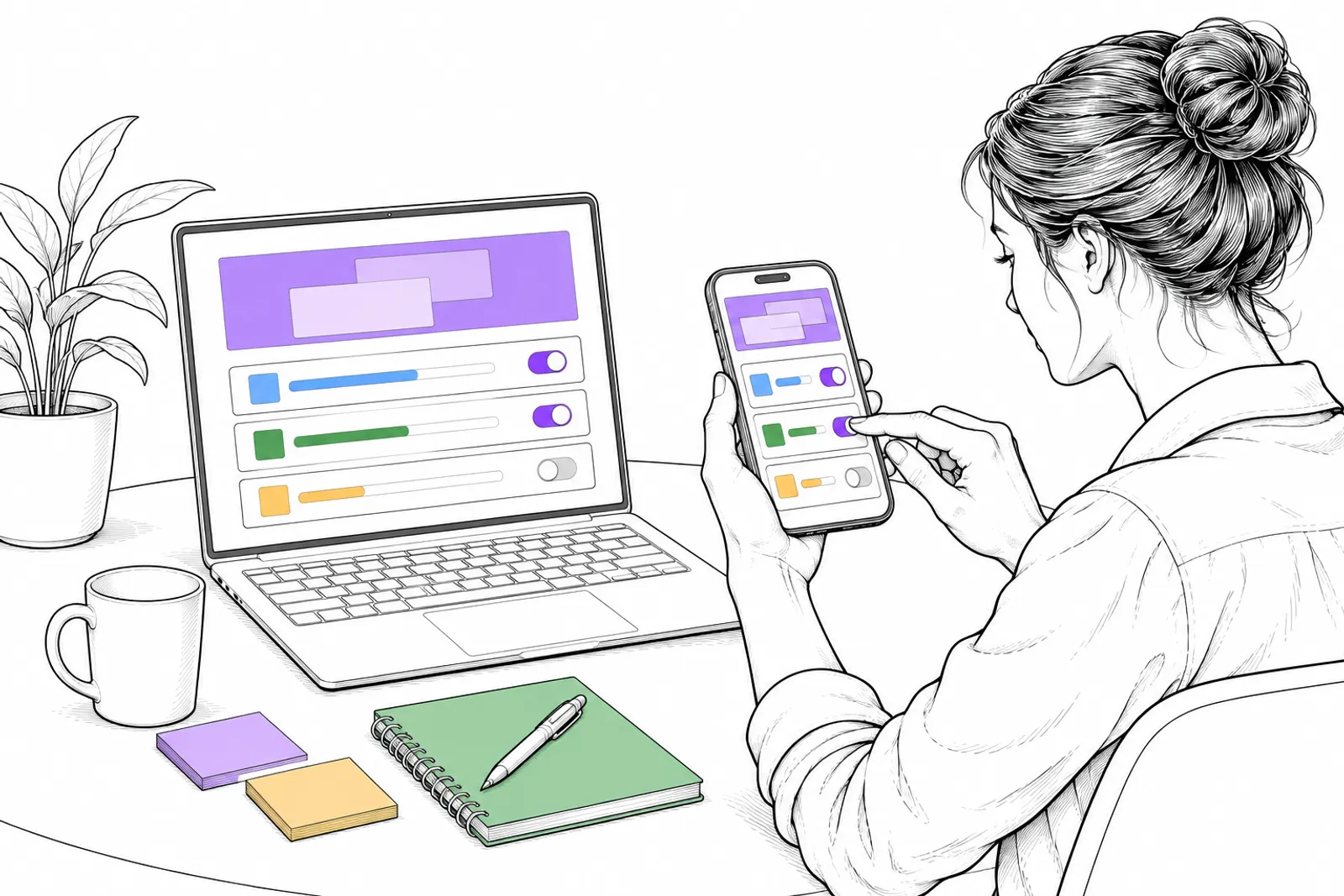
- Test and look at it on phone and desktop.
What we can do with you: we build your site or app with good building blocks, in your own style, and you own all the code. Book a conversation.