
Knowledge
Agents on your own server at Hetzner
An agent that works for hours does not belong on your laptop. This is how you set up a server of your own where agents keep working safely.

Our agents do not work on a laptop, but on servers of our own at Hetzner. They keep working when we close the laptop, and their work is in one fixed place.
Plain technical English A VPS is a virtual server that you rent. Agents run there in their own session, each in its own git worktree. Secrets are stored encrypted in git, with SOPS.
Why it matters
An agent that works on a task for three hours stops when your laptop goes to sleep. And an agent on your laptop can reach everything on your laptop. A separate server solves both: it always runs, and it only has what you put on it.
How it works
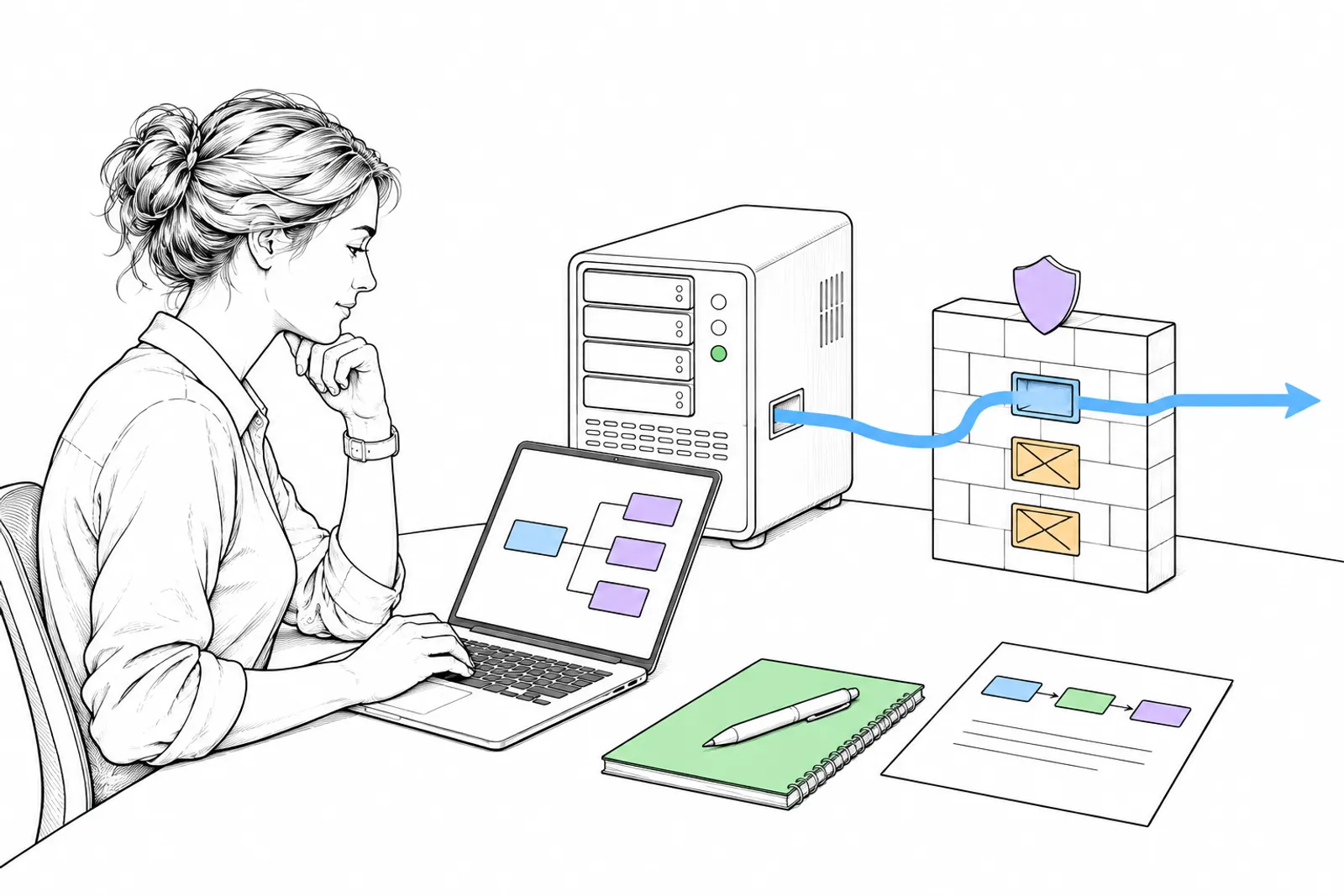
Your laptop talks to the server over a private network; there, each agent works in its own folder, with encrypted secrets.

What you do
- Create a server with an SSH key. According to Hetzner’s documentation, you cannot add an SSH key through the console after the server is created. So do it at once.
- Turn on a firewall. Without rules, the Hetzner firewall blocks all inbound traffic and allows outbound traffic. Open only what you need.
- Work as a normal user, not as root, and keep the server up to date.
- Install your coding agents, such as Claude Code or Codex.
- One git worktree per agent. Then agents work at the same time without touching each other’s files.
- Store secrets encrypted in git with SOPS. SOPS encrypts the values and keeps the keys readable, so you see what is there without seeing the secret.
- Take a snapshot before a risky change. With a snapshot, you can make a copy of the server again.
- Keep temporary work and fixed services apart. Agents and tests run on a work server; what must always run is on another server.
What we can do with you: we set up a work server for your agents, configured safely, and teach your team to work with it. Book a conversation.