
Vlog
GhidraMCP: letting an AI agent work in Ghidra
GhidraMCP connects Ghidra to an AI model through MCP. The model can then decompile code, rename functions and map a program by itself.
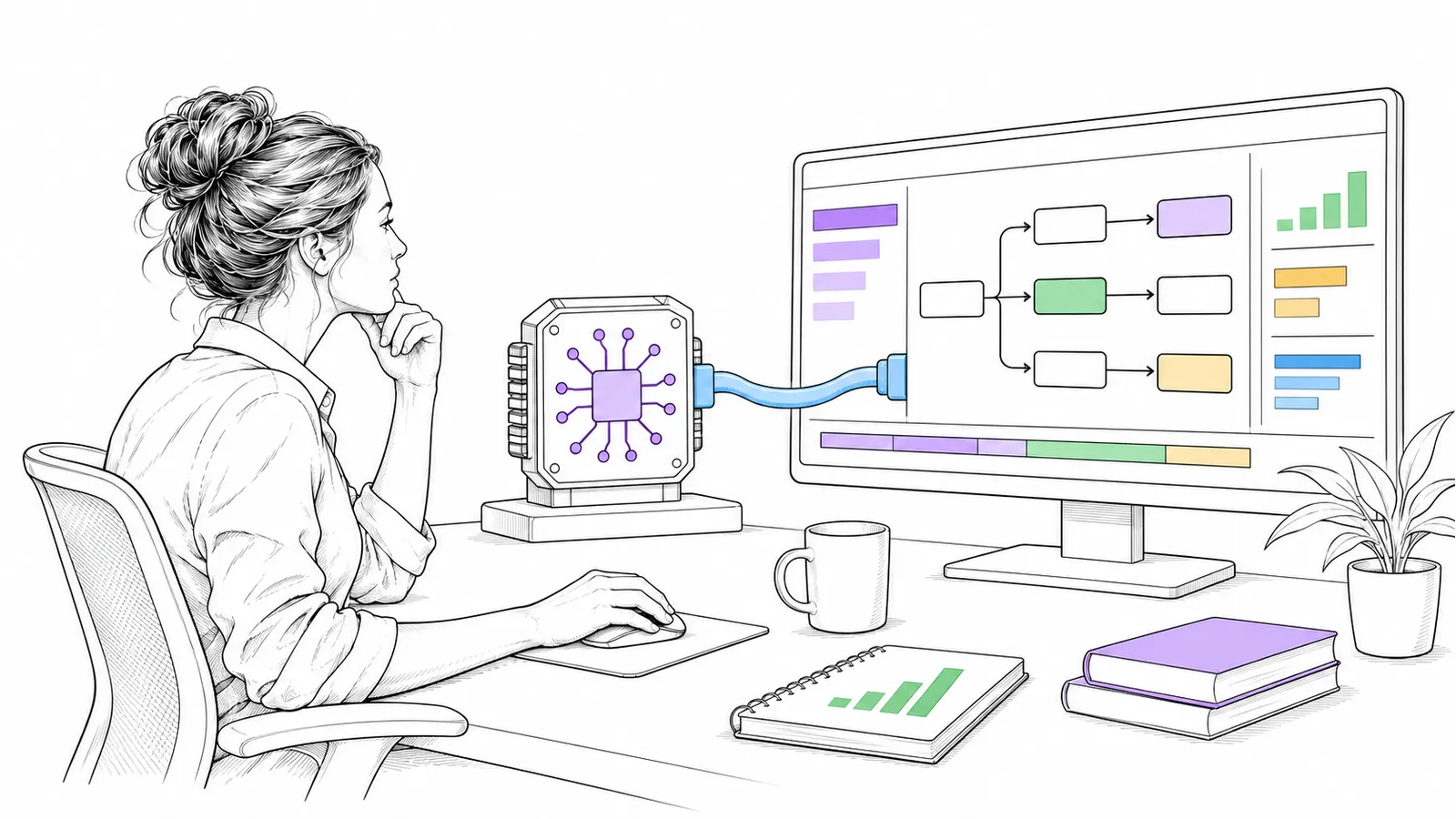
Reverse engineering is a lot of patient work: reading function after function and giving each a name. That is exactly the kind of work an AI agent can take over, if it can reach the tool.
What it is
GhidraMCP is an MCP server plus a plugin for Ghidra. MCP (Model Context Protocol) is the standard with which an AI model can call tools. According to the README, the model can then:
- decompile and analyse binaries in Ghidra;
- rename methods and data automatically;
- list methods, classes, imports and exports.
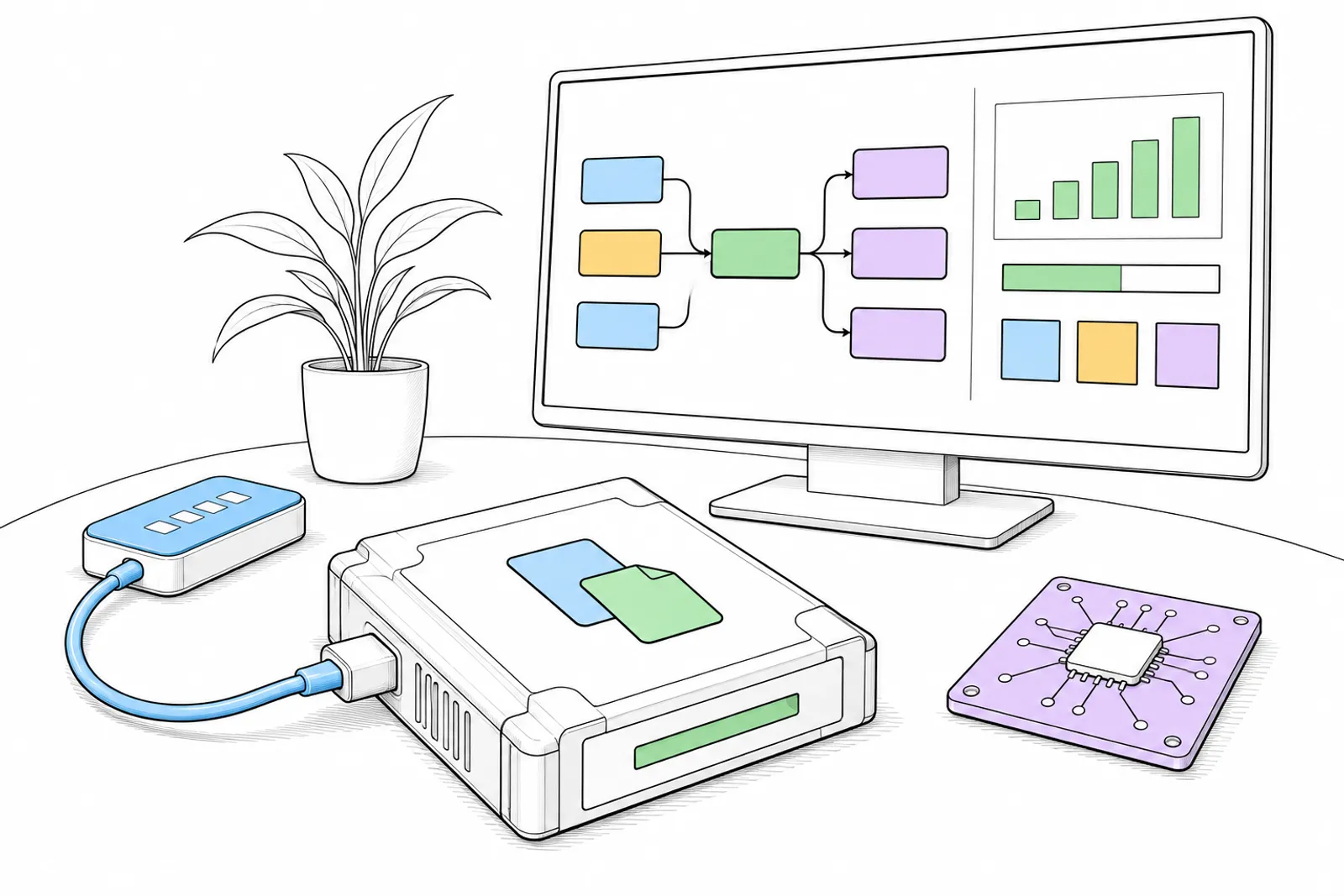
Licence and installation
- Licence: Apache-2.0.
- Needed: Ghidra 12.1.4 and uv (or Python 3.10 or newer).
- You install the plugin from a release in Ghidra, and connect the MCP server to your AI client.

What you do with it
An agent can first explore an unknown program by itself and make a first map: which functions there are, and what they probably do. A person then checks that map. A name the model gives is a guess until someone has checked it.
Only do this with software that you may examine.
Our status: we have not tested GhidraMCP ourselves yet. This is what its maker writes about it.
What we can do with you: we connect your own tools to an AI agent through MCP, with a person who checks the result. Book a conversation.