
Knowledge
Making with AI, without the AI look
Purple gradients, the Inter font and three bullets per paragraph: that is how you spot AI work. This is how you make something that looks like your own.
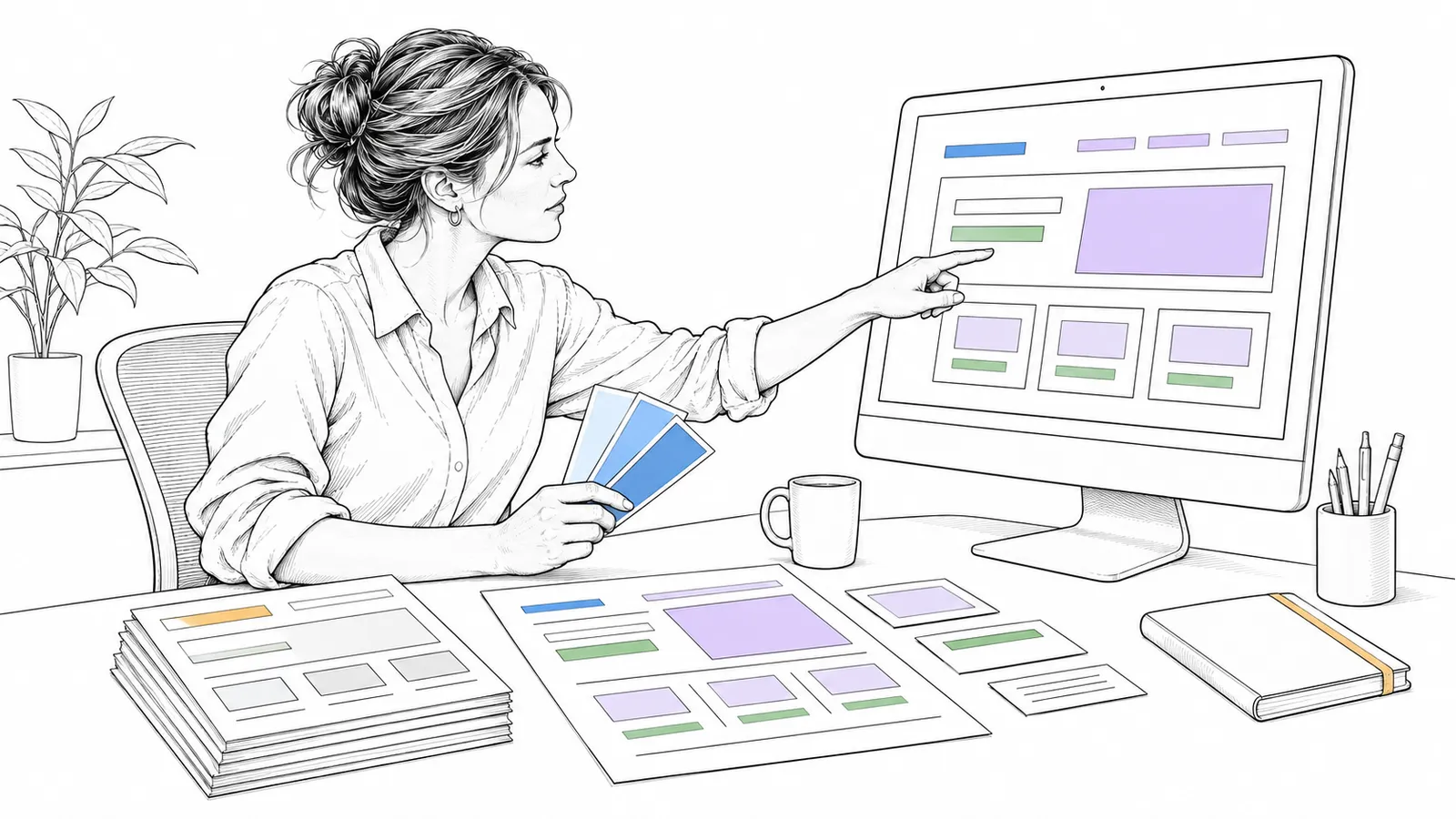
AI makes a site, a text or an image quickly. But without direction, everything looks alike, and people notice. This article is about how you use AI and still make something of your own.
Plain technical English Without direction, a language model picks the most common form. That is why AI designs and AI texts look alike. You prevent that with concrete rules before and a check by someone else after.
Why it matters
Anthropic describes it itself: ask a model for a landing page without guidance, and it almost always picks the Inter font, purple gradients on white and few animations. They call it distributional convergence: the model picks the average. A site that looks like that does not stand out and gets closed sooner.

How it works
You steer up front with your own style, and a fresh reviewer compares the result with a checklist.
Signs you can recognise, from the sources:
- Design (Adrian Krebs looked at about 1400 Show HN pages): Inter for everything, “VibeCode Purple”, permanent dark mode with grey text, gradients and coloured glows everywhere, a centred hero with a badge above it, coloured left borders.
- Text (Wikipedia, Signs of AI writing): undue emphasis on significance, everything in threes, sentences like “not just X, but also Y”, many em dashes.
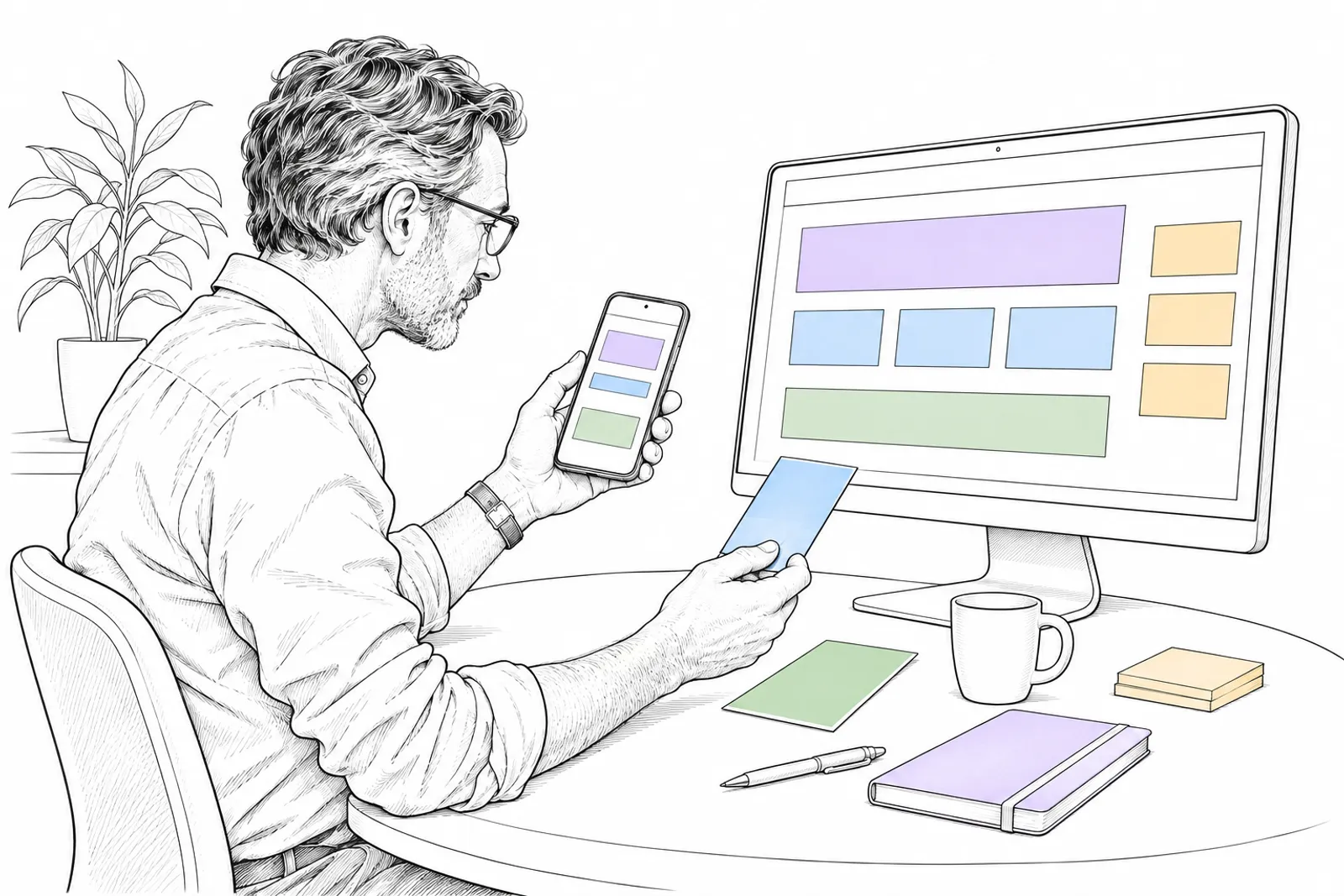
What you do
- Give the model concrete style rules: your fonts, your colours, what is not allowed. Anthropic shows that a rule like “avoid Inter and Roboto” helps at once.
- Start from your own design, not from an empty request.
- Write short and exact. We write in plain language and remove signs of AI from texts with the
humanizerskill (MIT). - Do not put filters over images to make them look “real”. That makes them look fake.
- Let someone else check, on screenshots from phone and desktop, with a fixed checklist.
What we can do with you: we make your site, deck or text with AI, in your own style, and check it for signs of AI. Book a conversation.