
Vlog
ArtCraft: an open source workshop for images and video with AI
ArtCraft calls itself the IDE for artists: you build a scene in 2D and 3D, and choose the model that renders it.
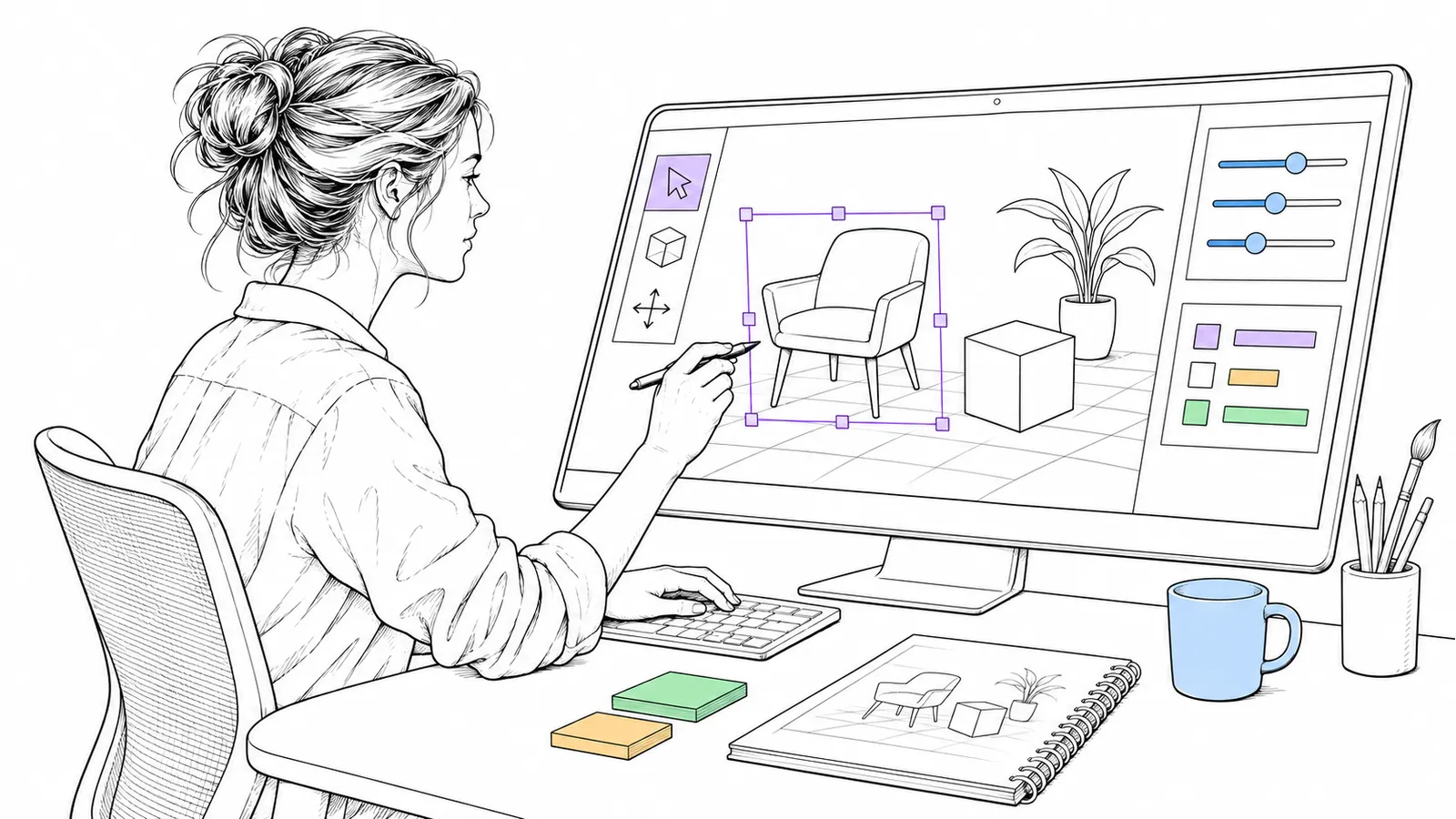
Most AI image tools work with one text box: you type, and you hope. ArtCraft takes another approach. You put the scene together yourself, and the model finishes it.
What it is
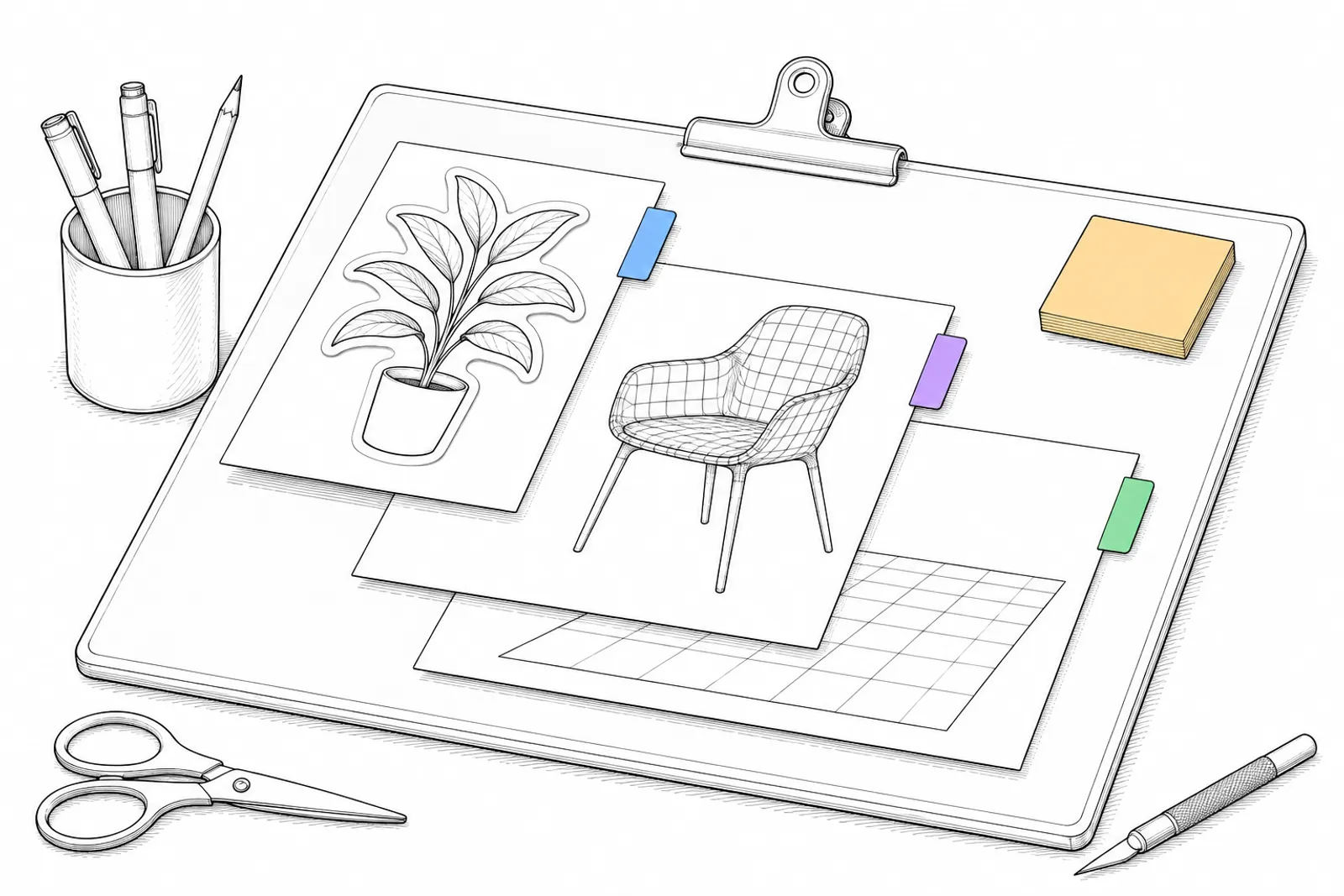
ArtCraft calls itself “The IDE for artists”: a workspace for making images and video with AI. According to the README, you compose in 2D, stage scenes in 3D, and choose the models that fit your work. You can cut out subjects, and combine images, 3D meshes and worlds in one scene.
According to the README, the catalogue has 62 models, for images, video, sound, 3D and worlds. There are also connections to providers such as Grok, Midjourney, Sora and World Labs.
Licence and downloads
- Licence: according to the README, “dual-licensed under MIT or Apache-2.0”, at your option.
- Downloads: for Windows, macOS and Linux, through getartcraft.com and the releases on GitHub.
- Prices: the site has a pricing page; we did not check it, so for us unknown.
- The ArtCraft site now also shows a series of its own open source apps for, among other things, image editing, video and layout.
What you do with it
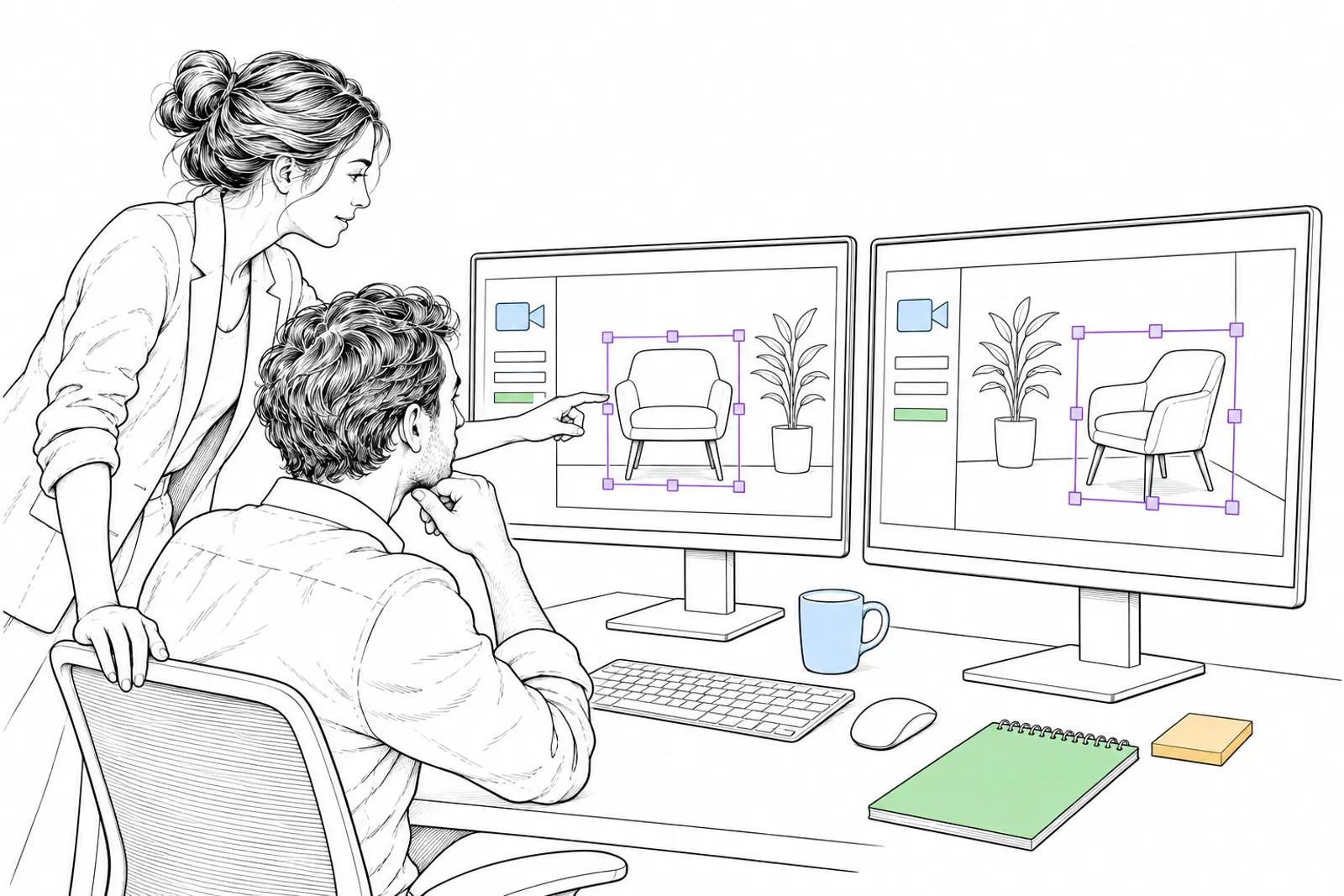
Useful when you want images that you can repeat and adjust: the same scene from another angle, the same character in another pose. That is hard with only a text box.
Our status: we have not tested ArtCraft ourselves yet. This is what its makers write about it.
What we can do with you: we find out with you which image tool fits your work, and set it up. Book a conversation.