
Knowledge
OpenSearch: put your knowledge in, and search it with AI
How to put documents in OpenSearch and find them again by words and by meaning, with the source included.
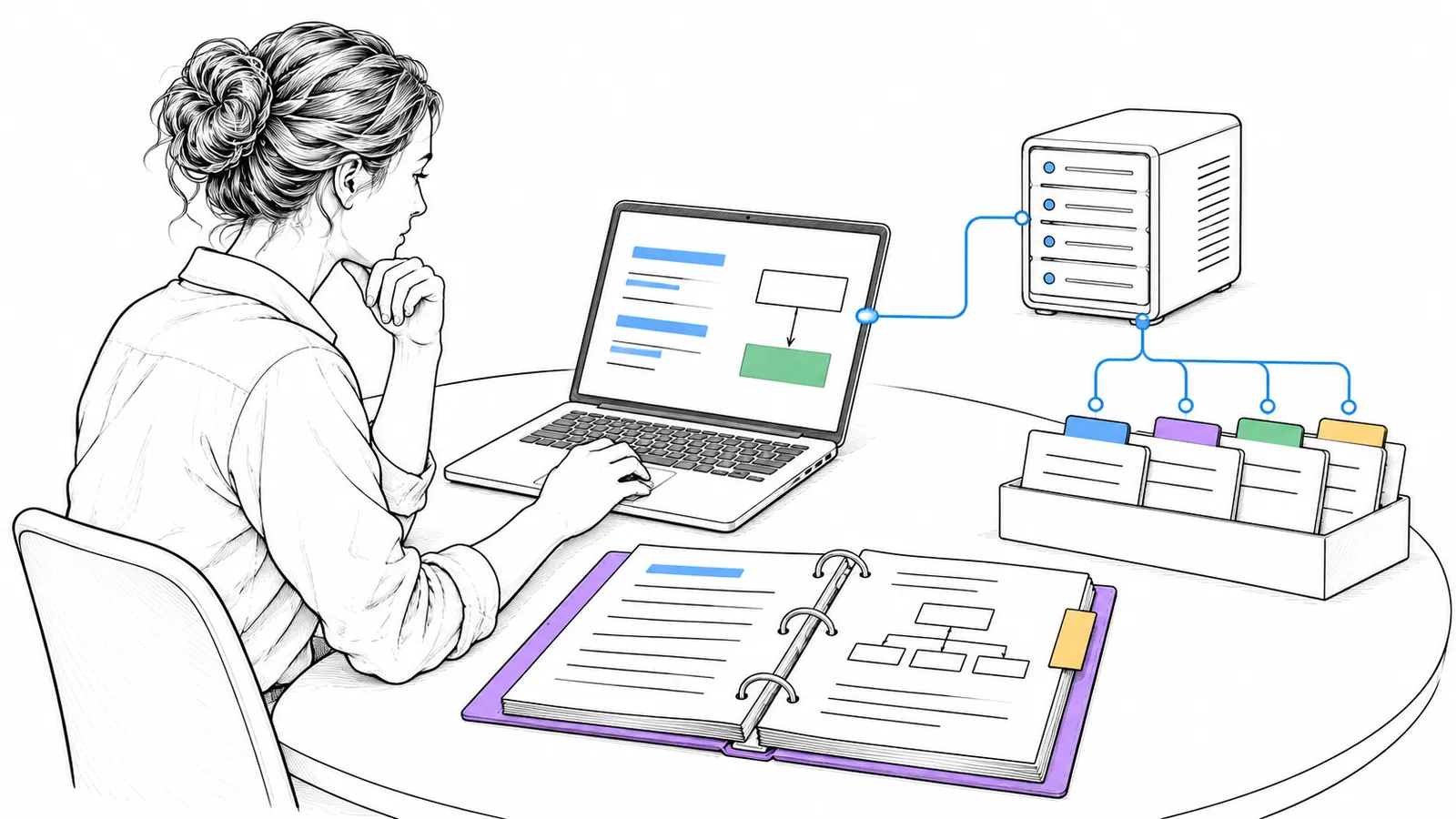
OpenSearch is open source software for search and analytics: in text, in logs and by meaning (vector search). It is under Apache-2.0 and is a project of the Linux Foundation.
Plain technical English OpenSearch stores documents in an index and searches them. Hybrid search combines search by words with search by meaning. A language model then writes an answer with the ids of the sources.
Why it matters
An AI assistant that does not know your company knowledge makes answers up. An assistant that first searches your own documents and names the source is one you can check. With OpenSearch on your own server, that knowledge stays with you.
How it works
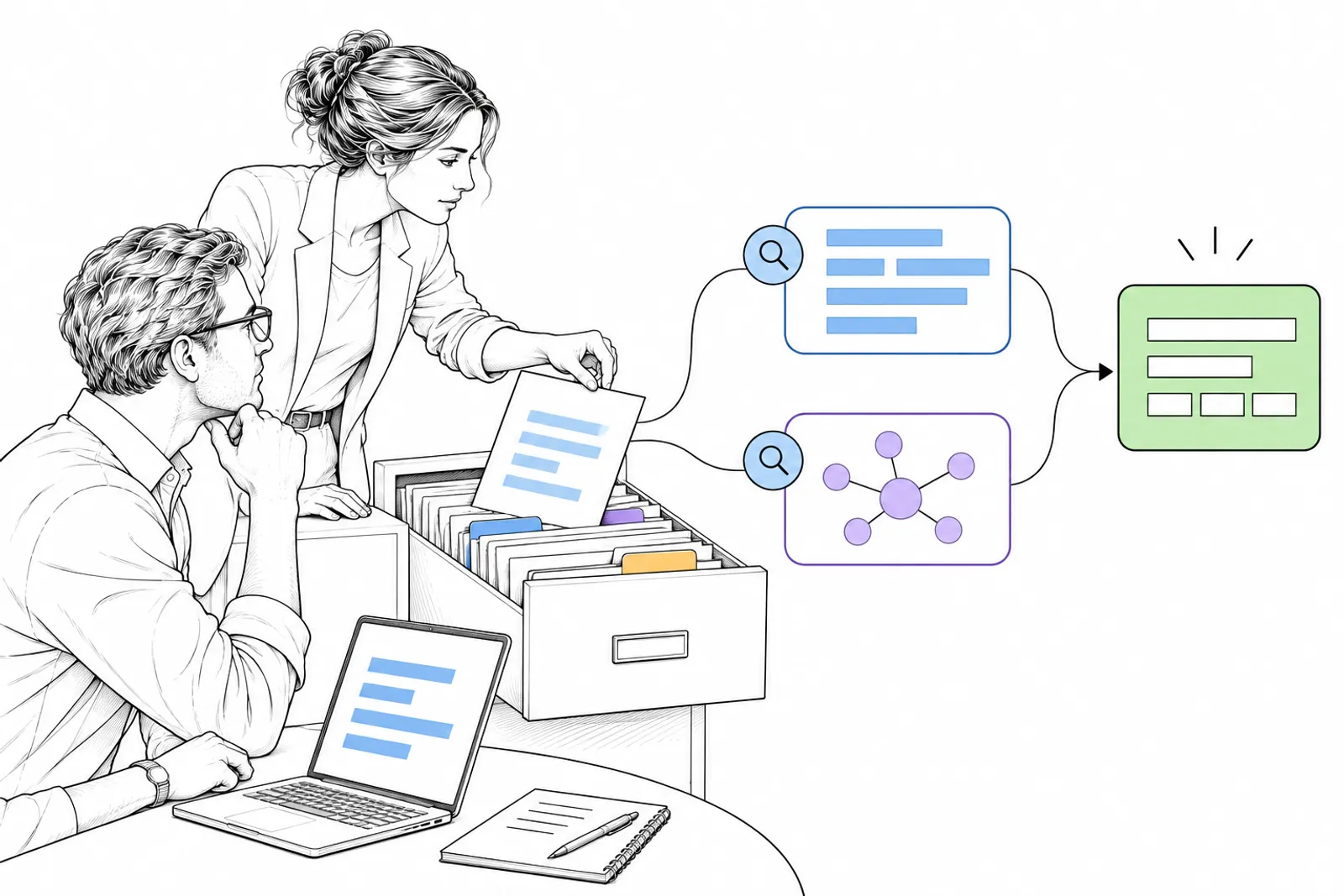
You split documents into chunks, search by words and meaning, combine the scores and let the model answer with sources.
The OpenSearch documentation explains it like this: hybrid search combines keyword and semantic search. A search pipeline puts the scores of both queries on one scale and combines them. The default method is min_max. Another option ranks by position (reciprocal rank fusion).
From an earlier project we studied, an assistant that helps customer service staff, we took these lessons:
- Search at two levels: small chunks of text and whole documents.
- Let a separate model put the best results in a new order (a reranker).
- Make the answer always name the ids of its sources.
- Measure the search apart from the answer, with fixed measures: how often is the right document in the top, and at which place.

What you do
- Choose one collection of documents that people need often.
- Put OpenSearch on a server of your own and load the documents.
- Write twenty questions for which you know the right document.
- Measure if that document comes out on top, and improve until it is good enough.
- Only then put a language model on the answer.
What we can do with you: we put your knowledge in a search index on your own server, and build an assistant on it that names its sources. Book a conversation.