
Knowledge
Five things in your AI toolkit you can replace
A LinkedIn post by David Arnoux names five replacements. For each: what it is, what it replaces, when it fits a small business, and what we use.

David Arnoux listed five replacements in his AI toolkit on LinkedIn. We read the site of each product. We only name prices that are on their own page.
Plain technical English Each item replaces a loose solution with one tool. A replacement is only useful if you really have the old problem. For each item, check the licence, the price and where your data is.
Why it matters
Every month brings new tools. If you follow everything, you finish nothing. The question is not “what is new?”, but “which problem do I have, and does this solve it?”

How it works
Start with your problem, check licence, price and data, and try it for a week.
1. A “second brain” as a plain folder → Karpathy’s LLM Wiki or the Ontology Pipeline. Karpathy’s LLM Wiki is an idea file: a text you give to your agent. The agent then builds and maintains a wiki of linked Markdown files, and updates it with each new source. Jessica Talisman’s Ontology Pipeline is a method to order knowledge step by step: from a controlled vocabulary to an ontology and a knowledge graph. Fits a small business when your knowledge now sits in loose folders and in people’s heads. We use: knowledge in Markdown files in git, with a search index over all our old work.
2. OpenRouter → Command Code. Command Code calls itself a coding agent for open models. According to its pricing page: Go costs $1 a month plus a processing fee, GOAT $10 a month. Fits a small business if you write a lot of code and want to keep costs low. We use: Claude Code and Codex; we have not tested Command Code.
3. A pile of enrichment tools → looot. looot gives your agent one connection to many data APIs, such as finding emails and enriching companies. According to its pricing page: no subscription, you pay per call and see the price first. Fits a small business if you now pay several subscriptions for lead data. Mind the GDPR when personal data is involved. We use: an agent with web search; we have not tested looot.
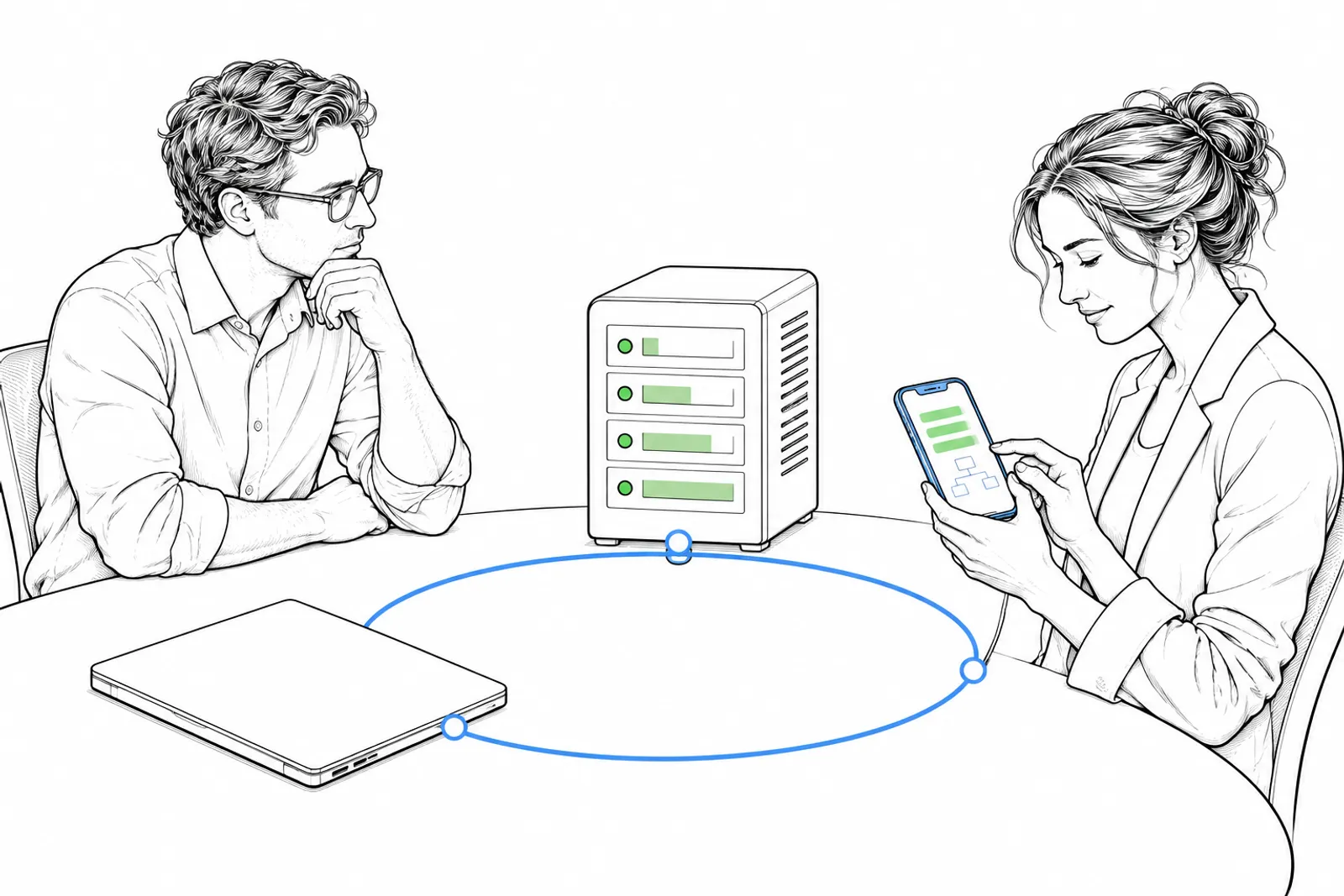
4. Your laptop → Hetzner plus Tailscale. A server at Hetzner keeps running when your laptop is closed. Tailscale makes a private network between your devices; the Personal plan is $0. The price of a Hetzner server: unknown, because it depends on what you choose. Fits a small business as soon as agents work for longer than an hour. We use: yes, our agents run on our own servers at Hetzner.
5. cmux, VS Code or Cursor → Orca. Orca runs several coding agents side by side, each in its own git worktree, with a browser and a terminal in one app. Open source under MIT. Price: unknown. Fits a small business if you let several agents work at once. We use: each agent in its own worktree, but we have not tested Orca itself.
What you do
- Write down which of these five problems you really have.
- Choose one and try the replacement for a week.
- Keep it only if it saves time or money that you can point to.
What we can do with you: together we look at your tools and choose what stays, what can go and what must be added. Book a conversation.